Product Information
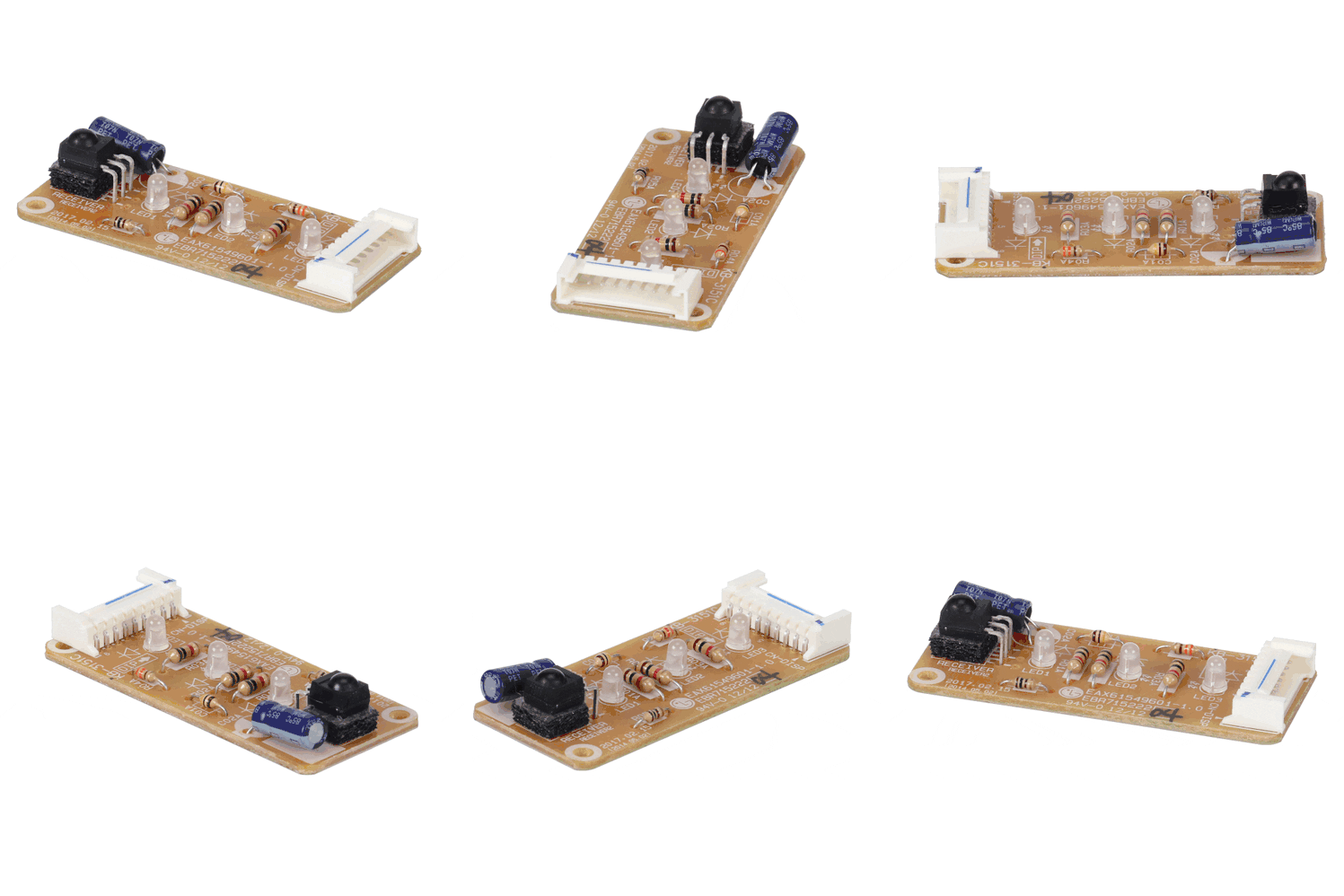
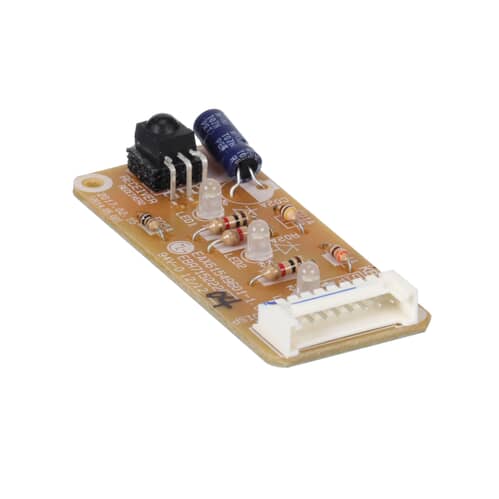
Restore clear communication and visual feedback to your cooling system with the LG Air Conditioner Display PCB (EBR71522204). This specialized circuit board serves as the primary interface between you and your appliance, housing the LED indicators, digital temperature readout, and infrared (IR) receiver for the remote control. If your air conditioner’s display is flickering, missing segments, or completely dark, or if the unit fails to respond to remote commands despite the remote having fresh batteries, this PCB is likely the component that needs replacement.
The EBR71522204 is engineered for high-visibility and precise signal reception. It translates your input into digital data for the main control board while providing real-time status updates on the unit’s operating mode, timer settings, and diagnostic error codes. Replacing a faulty display board ensures you can accurately monitor and adjust your indoor climate once again.
Installation / Replacement Instructions:- Safety First: Completely power off the air conditioner and unplug it from the wall outlet, or shut off the dedicated circuit breaker.
- Access the Interface: Open the front intake grille. The display PCB is typically located on the front or side of the unit, often secured behind the main plastic frame or within the control panel housing.
- Remove the Outer Cover: Depending on your model, you may need to remove a few screws to detach the front panel or the small plastic window that protects the display board.
- Disconnect the Ribbon Cable: Carefully unplug the wiring harness or ribbon cable connecting the EBR71522204 to the main control board. These cables are thin and delicate—do not pull on the wires; grasp the plastic connector head.
- Swap the Board: Remove the mounting screws or release the plastic clips holding the old PCB in place. Align the new board and secure it. Ensure the infrared receiver bulb is positioned correctly to align with the remote sensor window.
- Reassemble and Test: Reconnect the wiring, replace the covers, and restore power. Use your remote to verify that the unit receives signals and that the LED/digital display illuminates clearly.
- Compatible with select LG air conditioner models, this OEM-quality display PCB is a direct factory replacement that restores full visibility and remote control functionality.
- AC Display PCB / Interface Board – Part number EBR71522204
- Restores Visual Feedback – Fixes dead LEDs, dark digital readouts, and flickering displays
- Integrated IR Receiver – Restores the unit’s ability to communicate with the remote control
- Real-Time Status Monitoring – Displays current temperature, mode icons, and error codes
- Precision Signal Processing – Ensures accurate communication with the main control board
- Genuine OEM Part – Designed for exact electrical and physical compatibility with LG units
Bought Together
The LG Air Conditioner Display PCB - EBR71522204 is the correct replacement for the following model numbers.
Restore clear communication and visual feedback to your cooling system with the LG Air Conditioner Display PCB (EBR71522204). This specialized circuit board serves as the primary interface between you and your appliance, housing the LED indicators, digital temperature readout, and infrared (IR) receiver for the remote control. If your air conditioner’s display is flickering, missing segments, or completely dark, or if the unit fails to respond to remote commands despite the remote having fresh batteries, this PCB is likely the component that needs replacement.
The EBR71522204 is engineered for high-visibility and precise signal reception. It translates your input into digital data for the main control board while providing real-time status updates on the unit’s operating mode, timer settings, and diagnostic error codes. Replacing a faulty display board ensures you can accurately monitor and adjust your indoor climate once again.
Installation / Replacement Instructions:- Safety First: Completely power off the air conditioner and unplug it from the wall outlet, or shut off the dedicated circuit breaker.
- Access the Interface: Open the front intake grille. The display PCB is typically located on the front or side of the unit, often secured behind the main plastic frame or within the control panel housing.
- Remove the Outer Cover: Depending on your model, you may need to remove a few screws to detach the front panel or the small plastic window that protects the display board.
- Disconnect the Ribbon Cable: Carefully unplug the wiring harness or ribbon cable connecting the EBR71522204 to the main control board. These cables are thin and delicate—do not pull on the wires; grasp the plastic connector head.
- Swap the Board: Remove the mounting screws or release the plastic clips holding the old PCB in place. Align the new board and secure it. Ensure the infrared receiver bulb is positioned correctly to align with the remote sensor window.
- Reassemble and Test: Reconnect the wiring, replace the covers, and restore power. Use your remote to verify that the unit receives signals and that the LED/digital display illuminates clearly.
- Compatible with select LG air conditioner models, this OEM-quality display PCB is a direct factory replacement that restores full visibility and remote control functionality.
- AC Display PCB / Interface Board – Part number EBR71522204
- Restores Visual Feedback – Fixes dead LEDs, dark digital readouts, and flickering displays
- Integrated IR Receiver – Restores the unit’s ability to communicate with the remote control
- Real-Time Status Monitoring – Displays current temperature, mode icons, and error codes
- Precision Signal Processing – Ensures accurate communication with the main control board
- Genuine OEM Part – Designed for exact electrical and physical compatibility with LG units
100% Genuine Part
Completely authentic component.
Fast Shipping
Most orders ship out same day
Multi Payment Methods
Pay in many different ways
Full Customer Support
We are providing 24/7 customer support
Wishlist
You currently have 0 items in your Wishlist